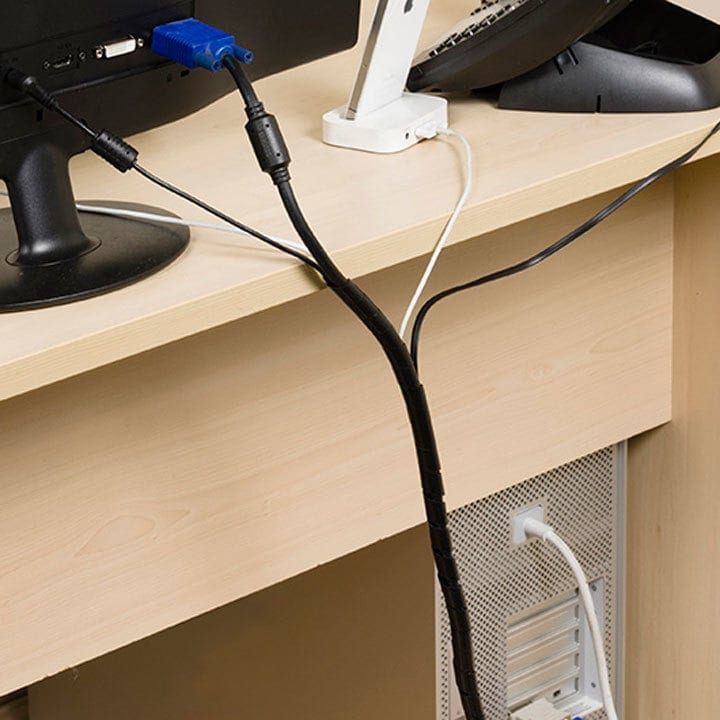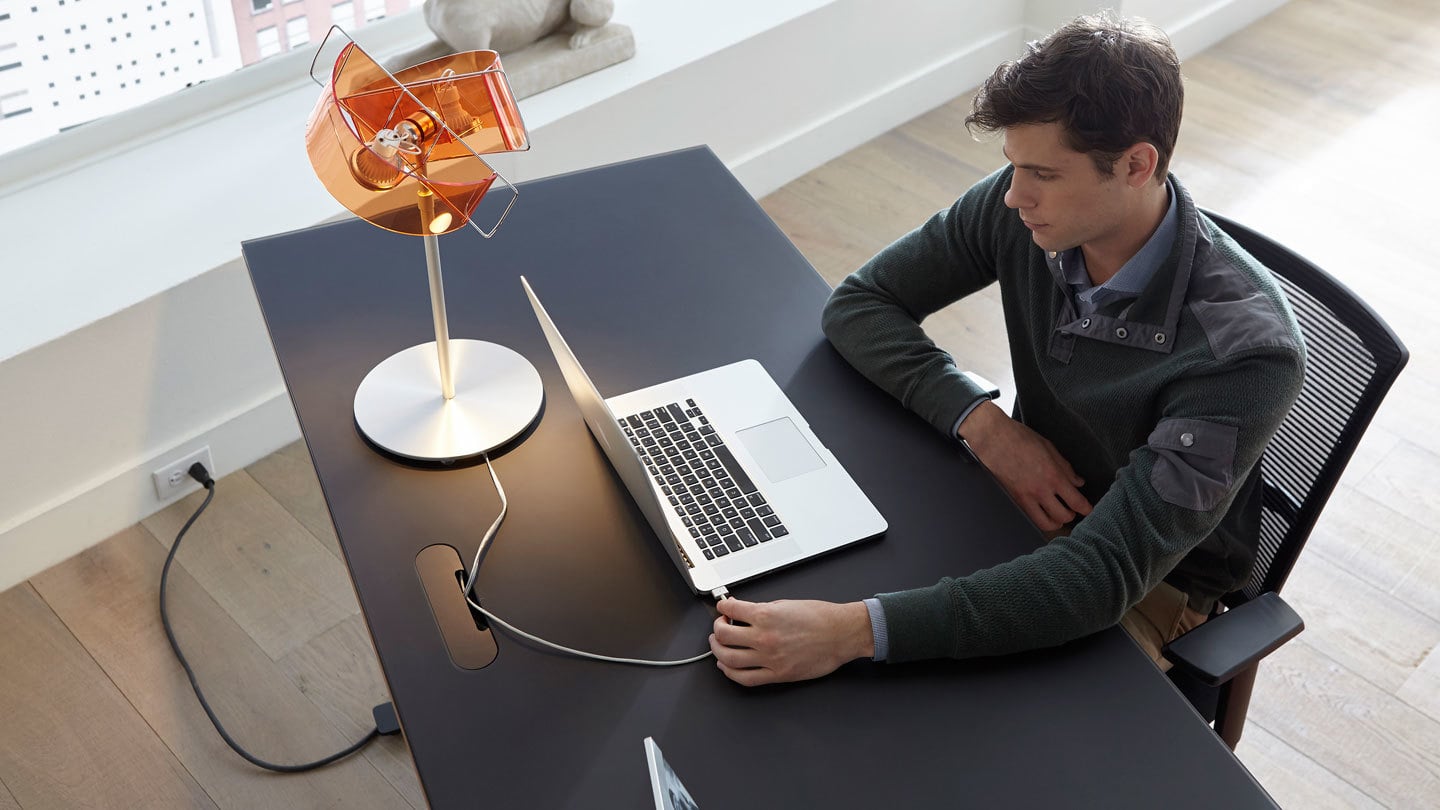
Office cable management solutions by BDI Furniture.

Organization is one of the keys to a clean, productive, and efficient home office. Today, modern offices often include a monitor, laptop, printer, desk lamp, work phone, keyboard, mouse, cell phone charger, and other peripheral devices requiring an assortment of cords and cables. 

This tangled mess is not only distracting but also clutters up your workspace. Luckily, creating an efficiently organized office space is more straightforward than you might think. 

Here are a handful of useful cable and wire management tips to set you on the path to a tangle-free work zone. 
Key Takeaways: Office Cable and Wire Management Tips

A well-organized cable system can reduce visual clutter, improve access to technology, and create a cleaner, safer, and more productive workspace.

  1. Eliminate unnecessary cables when possible. Wireless keyboards, mice, printers, and other accessories can reduce the number of cords competing for space on and around the desktop.
  2. Use dedicated routing paths to control essential cords. Desks with integrated cable channels and management openings can guide power and data cables away from the work surface while keeping connections accessible.
  3. Mount the power strip beneath the desktop. Securing the power source under the desk keeps plugs off the floor, shortens visible cable runs, and allows connected equipment to move together with a height-adjustable desk.
  4. Keep frequently used cables within easy reach. Cable clips can hold laptop chargers, phone cords, and HDMI cables in place so they remain organized and do not fall behind the desk.
  5. Cover cords that cross floors or travel along walls. Cable covers can help cords blend into the surrounding space while reducing trip hazards in walkways.
  6. Create a centralized charging location. A charging station or device dock can keep phones, tablets, and other personal electronics powered in one organized area.
  7. Label cables to simplify maintenance and updates. Identifying each cord makes it easier to disconnect the correct device, troubleshoot equipment, and manage a limited number of USB or HDMI ports.
  8. Bundle and shorten excess cable length. Cable ties, wraps, and sleeves can gather loose cords into cleaner runs, prevent tangles, and create a more streamlined appearance behind the desk.
The Centro office collection includes an assortment of built-in cable management solutions and features.

Clear the clutter.

The cord clutter can add up between a monitor, printer, cell phone charger, work phone, keyboard, and desk lamp. Eliminate this distraction by organizing and controlling your wiring for improved efficiency and productivity.
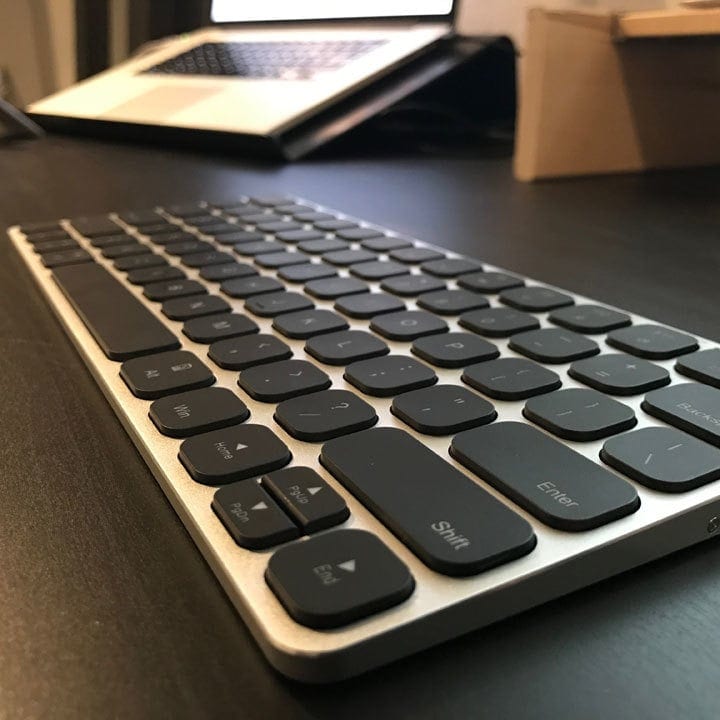
Wireless keyboard

Go wireless.

One of the simplest solutions for managing your cables is simply eliminating them. A wireless keyboard, mouse, and printer provide a nice clean and cable-free work surface while offering the same lag-free responsiveness as their corded counterparts.
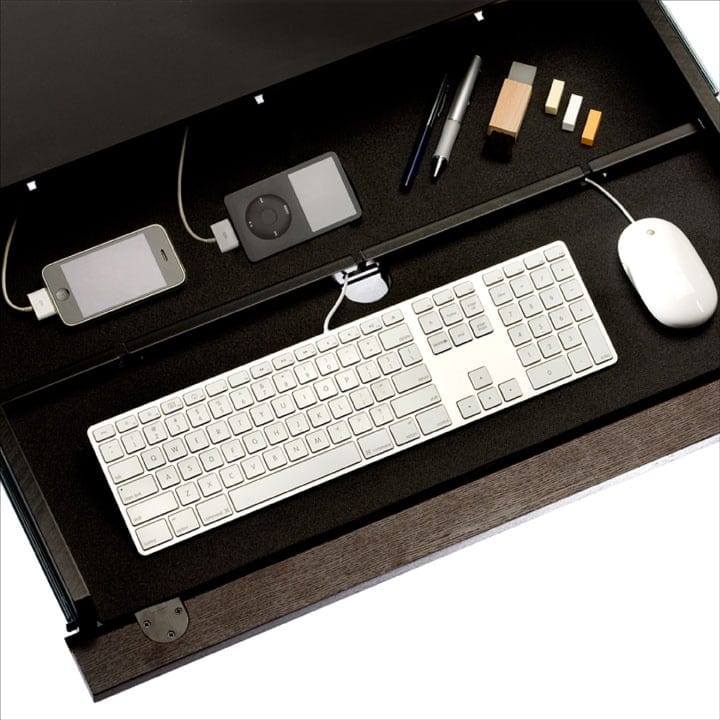
BDI Furniture office cable management and routing channels.

Stay on track.

If going wireless isn’t an option, consider office furniture that provides dedicated routing channels for cables and cords. For example, BDI’s desks are designed with intelligent and efficient cable management in mind.

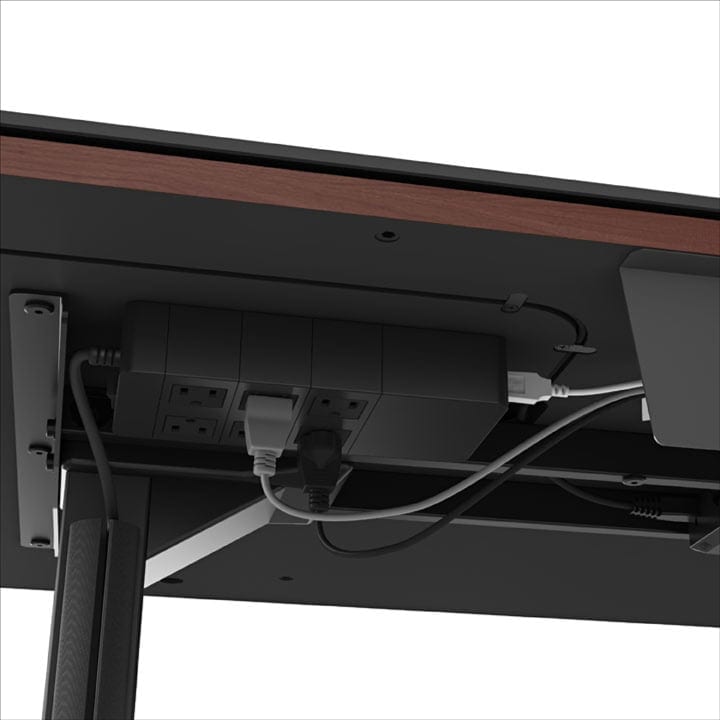
Mounting a power supply unit under the BDI Sequel Lift Standing Desk for improved cable management.

Concealed power.

Instead of plugging your cords into a power strip on the floor, consider mounting a power strip underneath your desktop to keep cords organized and out of view. You’ll need Velcro fasteners for secure mounting, as well as cable ties to bundle and wrap up excess cables.
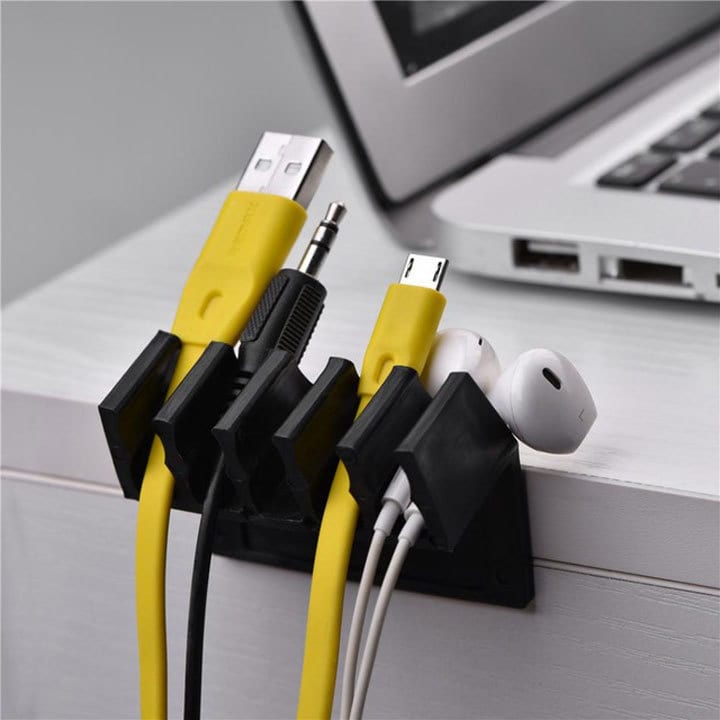
Cable clips.

Clip it & forget it.

Cable clips can help to keep essential cords readily accessible, like a laptop charger or your monitor’s HDMI cable, while also helping to keep them organized and tangle-free.
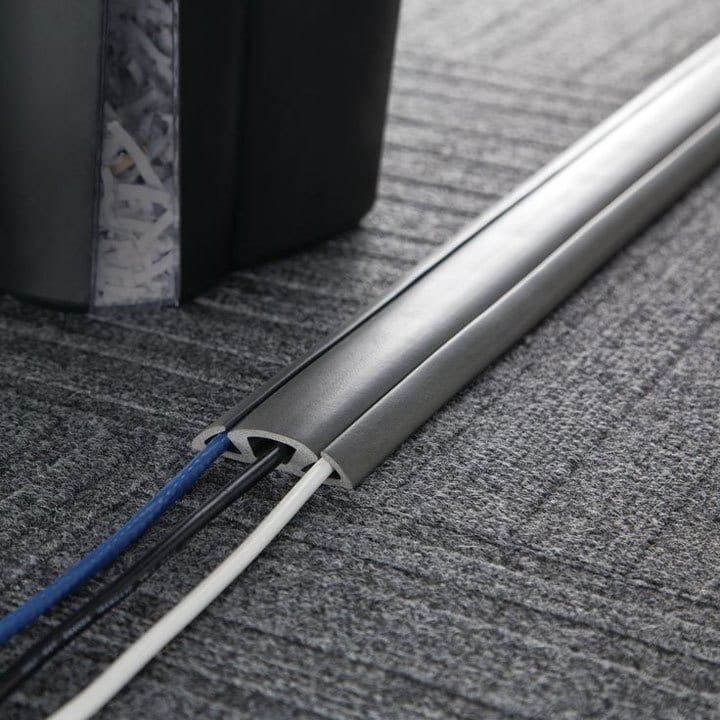
Wire management cable cover.

Cover your bases.

Cable covers can help camouflage cords running along the floor or up a wall and come in various colors to blend in more seamlessly. Cable covers also help prevent feet from tripping over any long-running cords, providing an additional safety benefit.
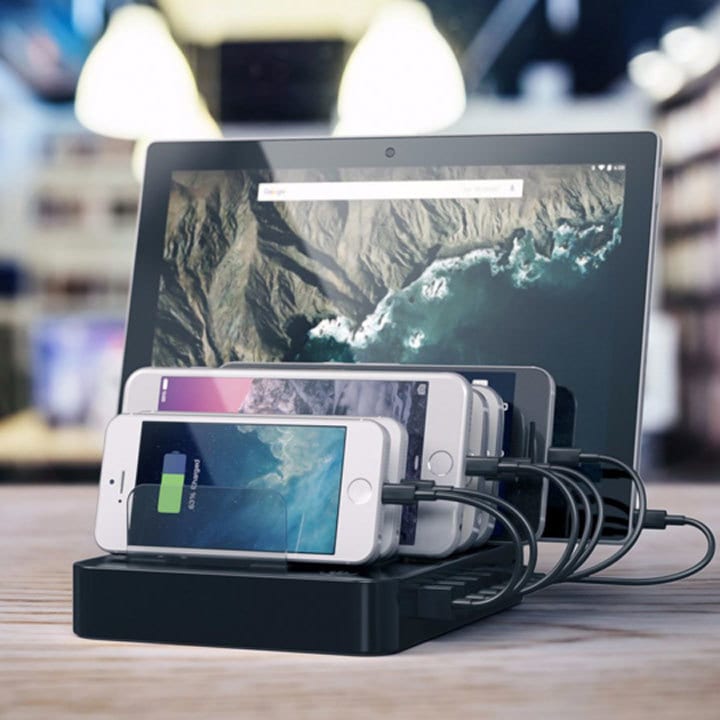
Personal device charging station and dock.

Power up.

A centralized dock or charging station can help organize and power up all of your gadgets in one convenient place while reducing unnecessary cord clutter.
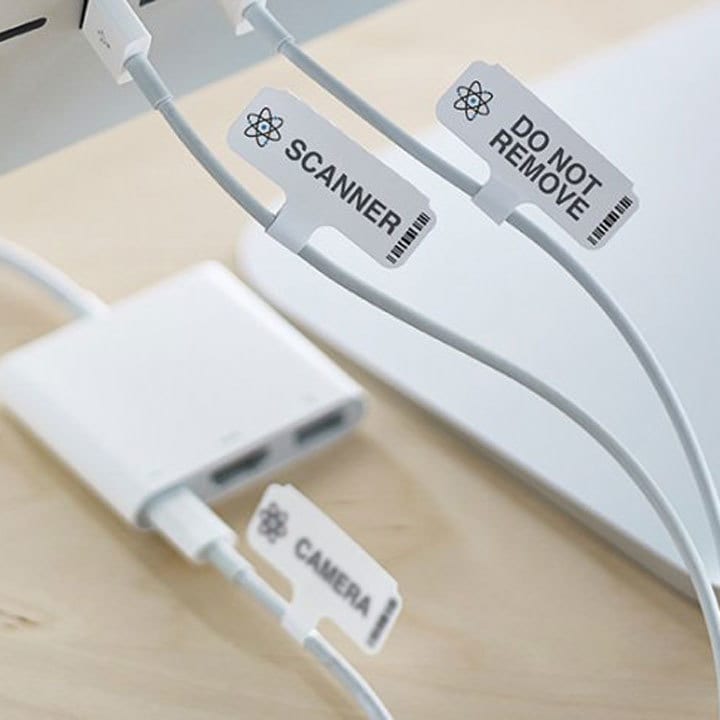
Labeling your cables for improved wire management.

Label your cords.

Do yourself a favor and label each of your cords. Knowing which device a cable is associated with will save you time and frustration. This tip is especially helpful if you have a limited number of USB or HDMI ports.
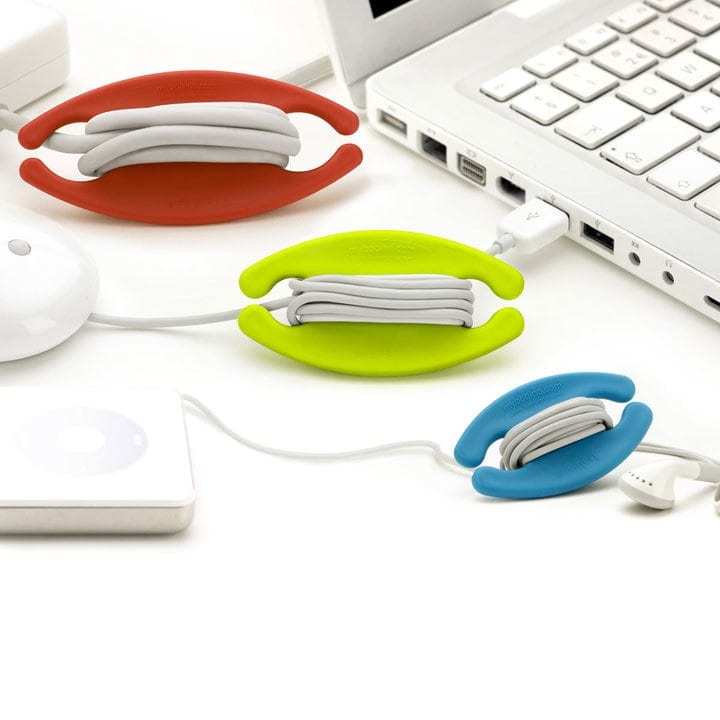
Multi-color plastic cable wraps.

Shorten them.

Consider wrapping your cords to shorten those long cables for a cleanly organized solution. Mount a cable wrap to your desk for a more permanent management solution, or have a few smaller ones on hand if you require a more mobile solution.
Office cable sleeve.

Roll up your sleeves.

Cable sleeves are a great way to reduce the unsightly clutter caused by the different wires and cords that can hang behind your desk, allowing you to bundle them neatly together to create a more streamlined look.

Following these cable and wire management tips for your office will go a long way towards reducing workspace clutter and increasing your efficiency and productivity throughout the day.

Bdi sequel how to pick the perfect office furniture book

Design Stories

Picking the Perfect Office Furniture

Creating a productive and comfortable workplace requires just a little extra forethought, effort, and attention to detail. Here is some helpful advice to consider when selecting office furniture and setting up your ideal workspace.
Read More