How to collaborative workspaces bdi furniture hero 1440

When done right, collaborative workspaces can boost productivity, improve communication, foster innovation and creativity, speed up decision-making, and support business processes. 

If you are in a collaborative space or thinking of how best to set one up, here are some helpful tips and tricks for making it work. 
Key Takeaways: Creating Collaborative Shared Workspaces

Effective collaborative workspaces balance team interaction with privacy, flexibility, technology, and opportunities for focused individual work.

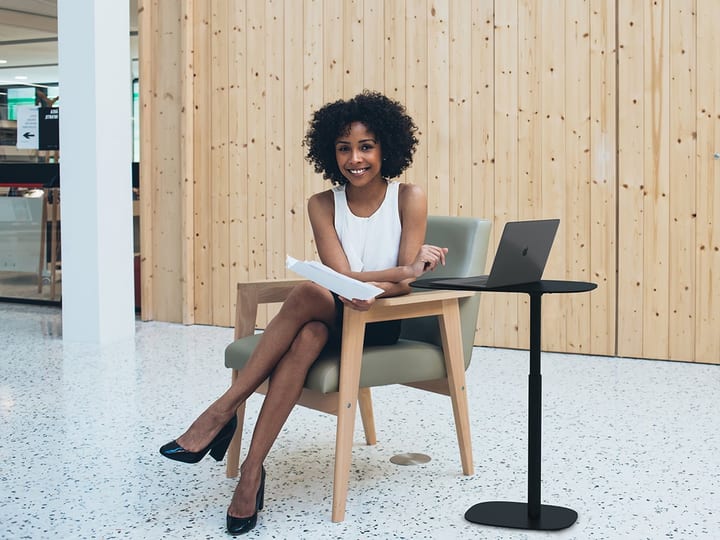
  1. Create different spaces for different types of work. A mix of individual workstations, standing desks, mobile laptop tables, and larger shared surfaces allows employees to choose the environment that best supports the task at hand.
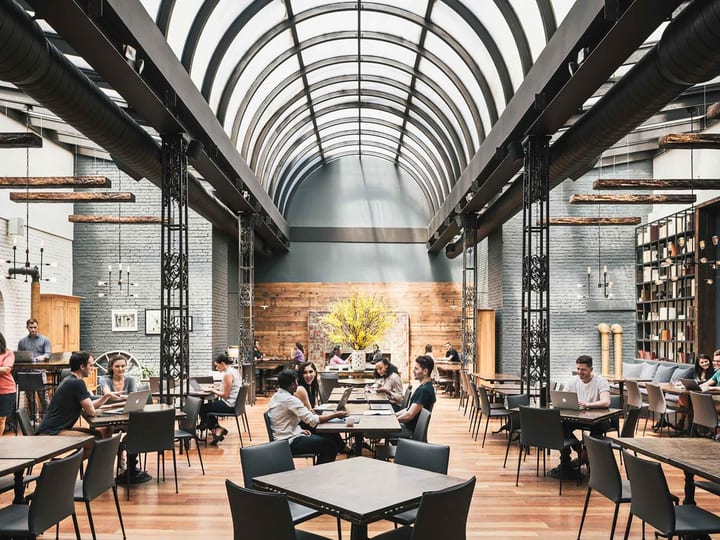
  2. Design common areas to serve multiple purposes. Kitchenettes, libraries, media rooms, and informal huddle spaces can support breaks, research, brainstorming, meetings, and spontaneous collaboration throughout the day.
  3. Group teams according to how they work. Consider noise levels, communication needs, responsibilities, and natural points of collaboration rather than assuming every department will perform well in the same open environment.
  4. Provide private spaces for confidential and focused work. Conference rooms, quiet areas, and smaller enclosed spaces give employees places for client conversations, video calls, sensitive discussions, and deadline-driven tasks.
  5. Make technology easy to access and share. Large monitors, laptop-friendly workstations, convenient power access, and integrated cable management help employees move between spaces without sacrificing productivity.
  6. Protect time for uninterrupted concentration. Collaborative environments work best when employees can clearly signal or schedule periods of do-not-disturb time to reduce interruptions and manage cognitive load.
  7. Design the workspace around the people who use it. Employee feedback can reveal how teams work most effectively and help organizations balance individual preferences with broader operational needs.


GO SMALL TO GO BIG

There is such a thing as too much of a good thing. Plunk everyone down at one long table in a big room, and you have a high-school cafeteria—not exactly what comes to mind when you think of innovation and collaboration.

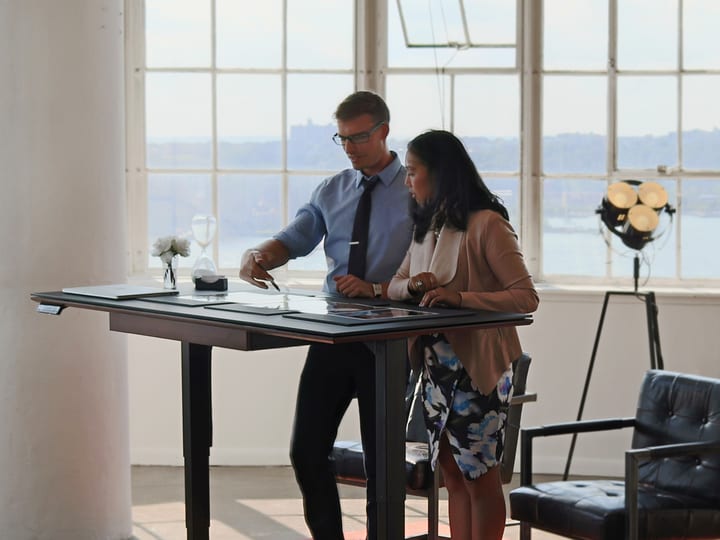
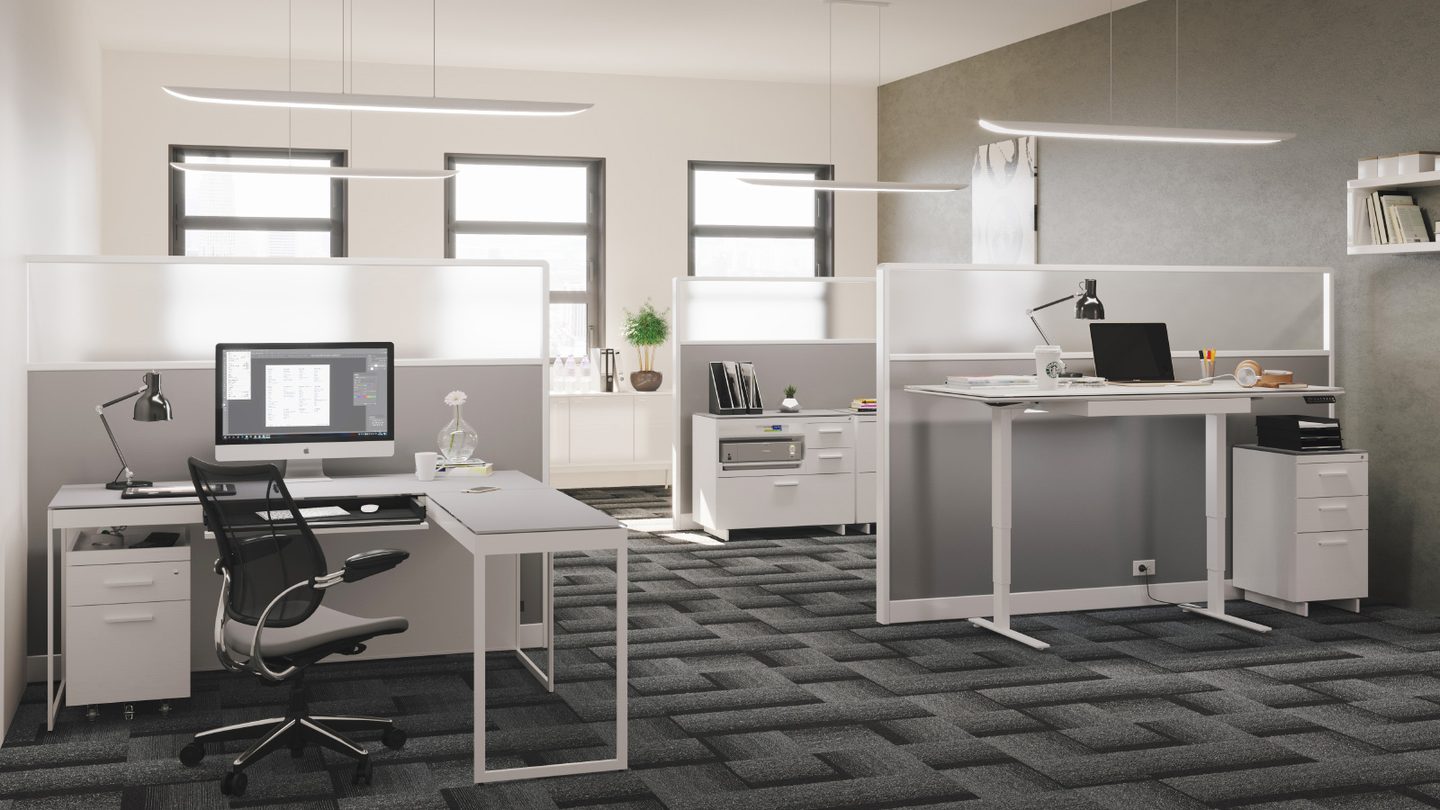
A better solution is to create various spaces for specific types of interaction—a nice mix between “me time” and “we time.” For example, workspaces with clusters of different kinds of furniture — think standing desks, easily movable laptop tables and larger collaborative desktops — mean employees can choose the right space according to their needs at the moment. 


MULTI-USE SPACES

Spaces designed for multiple uses are great for collaboration—and the bottom line. For instance, eat-in kitchenettes, library nooks, and media rooms offer opportunities to recharge, research and reconnect—and also for brainstorming the next big idea with co-workers.

Huddle spaces are your conference rooms on steroids. Here you’ll find wall-sized whiteboards, tackable surfaces on which to display ideas and inspiration, colored markers, and other items that will help get the creativity flowing while documenting the process.  


SEATED FOR SUCCESS

While it’s true that those working on the same floor are 57 percent more likely to collaborate, it’s also true that not every member of a company will perform well seated together. 

Writers who need to be in the zone might not like being next to the sales team, who tend to be on the phone throughout the day. They might, however, like working next to designers so they can see their words brought to life.

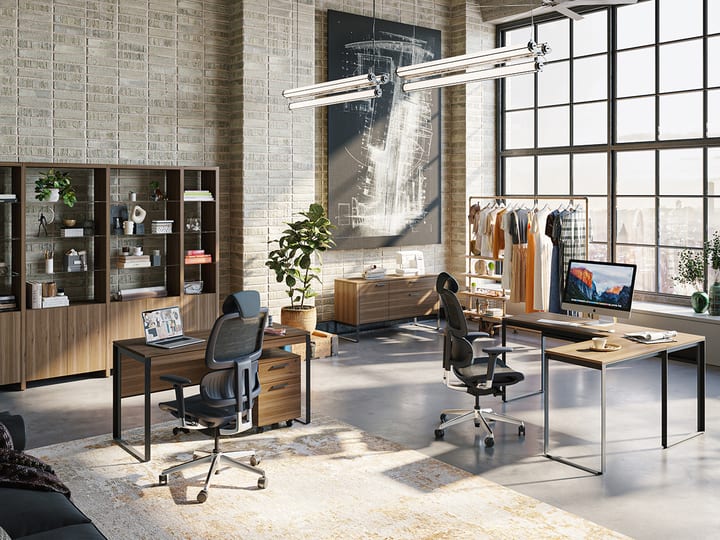
Linea Office and Shelves BDI shared workspace 1200

TAKE TECH INTO CONSIDERATION

It may be time to ditch the desktop computer for good. We're all on the go and don't want to feel tethered to a desk. Still, everyone appreciates a generously outfitted spot to sit when it's time to get serious. 

Stations with large display monitors into which one can plug their laptop give people an instant two-screen space — an essential these days as people handle more and more. 

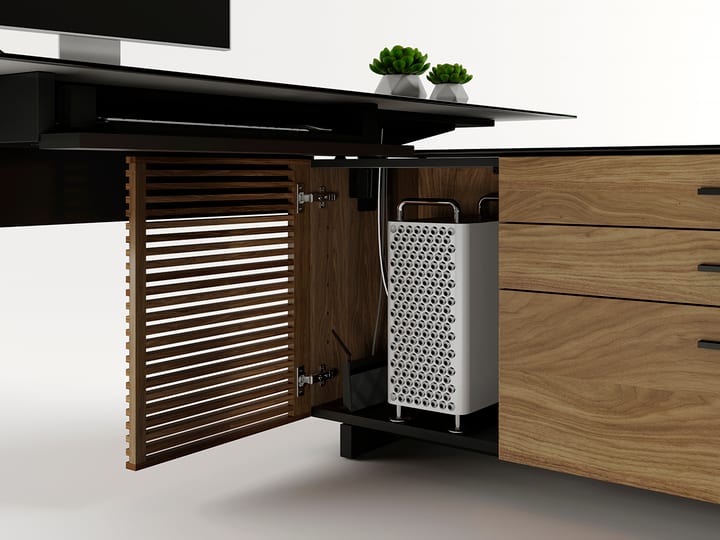
Desks with built-in cable management keep the area from looking cluttered, keeping workstations ready to use by anyone.

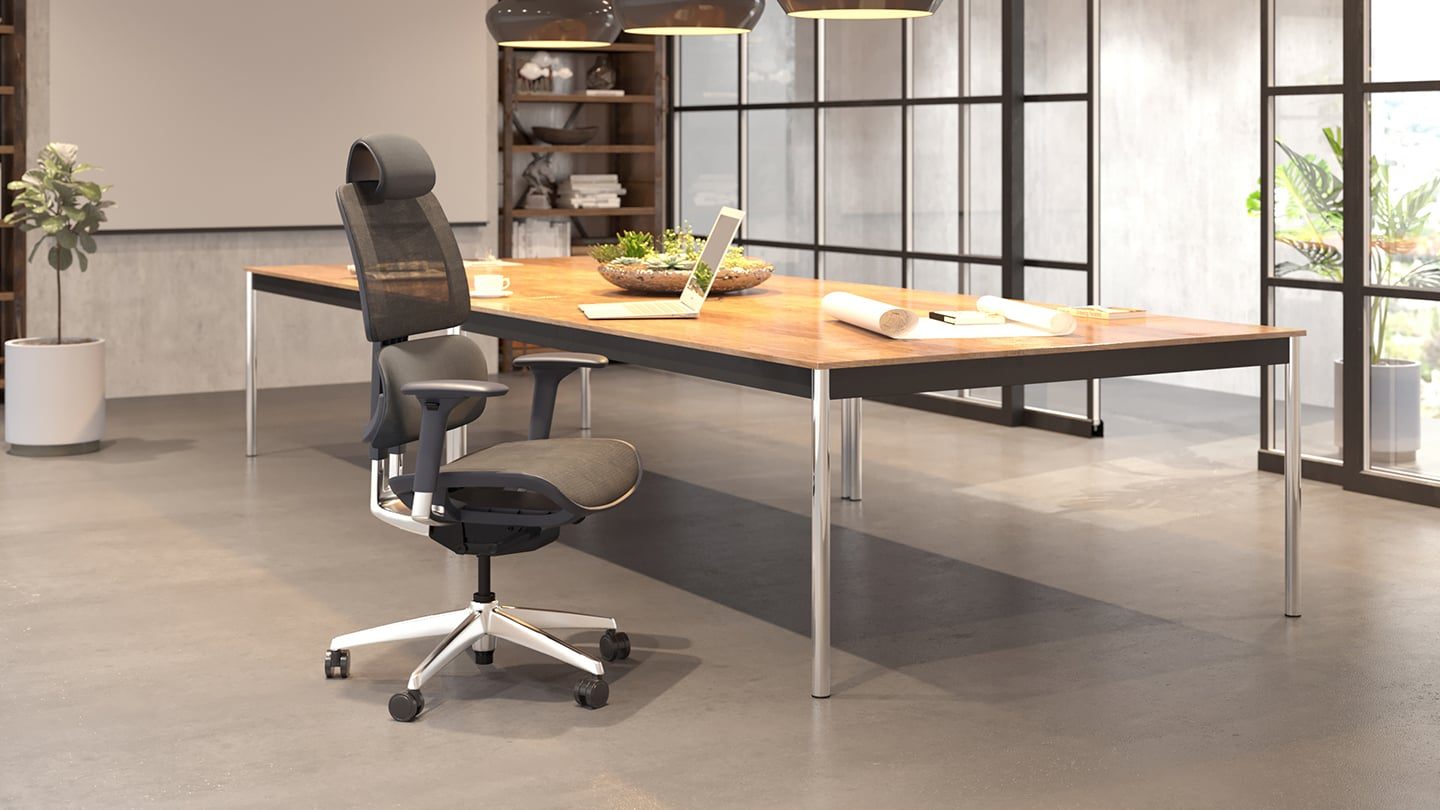
Corridor l desk 6531 BDI modern executive desk cable management 1200


CLAIM YOUR TIME

A study published in Applied Psychology found that people who actively seek help perform better at work. Consider that a major plus for working in a collaborative space.

However, the same study found that those who provide the help often perform worse, largely because it increases their "cognitive load." 

To make this work, workers should not feel shy about blocking off chunks of "do-not-disturb" time.

In the end, there is no one-size-fits-all setup for workspaces today.

Therefore, the best solution is to poll your employees, determine how they work most productively, and balance that with management’s needs and wishes.