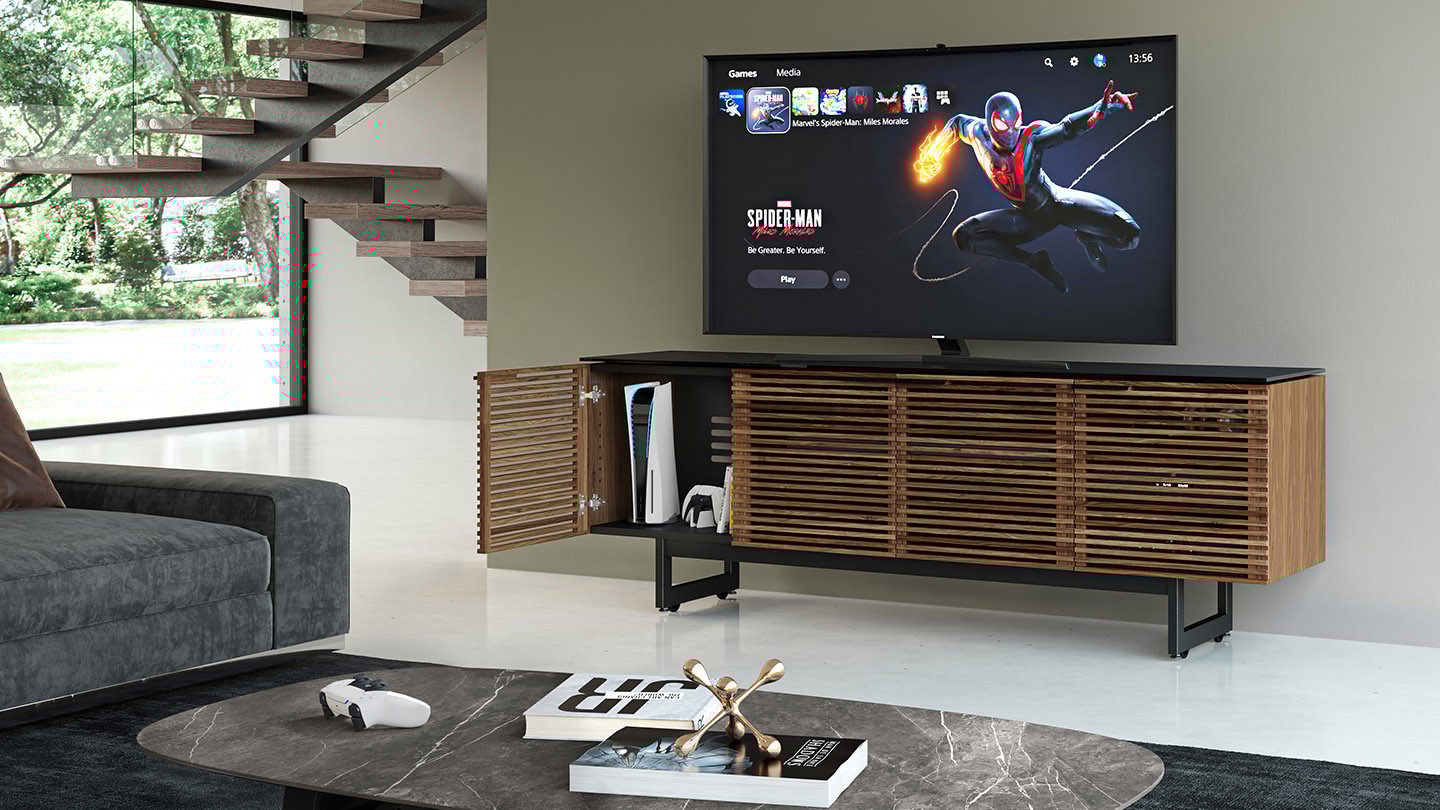
BDI Corridor 8179 entertainment center holding a PS5 vertically inside of the TV stand cabinet.

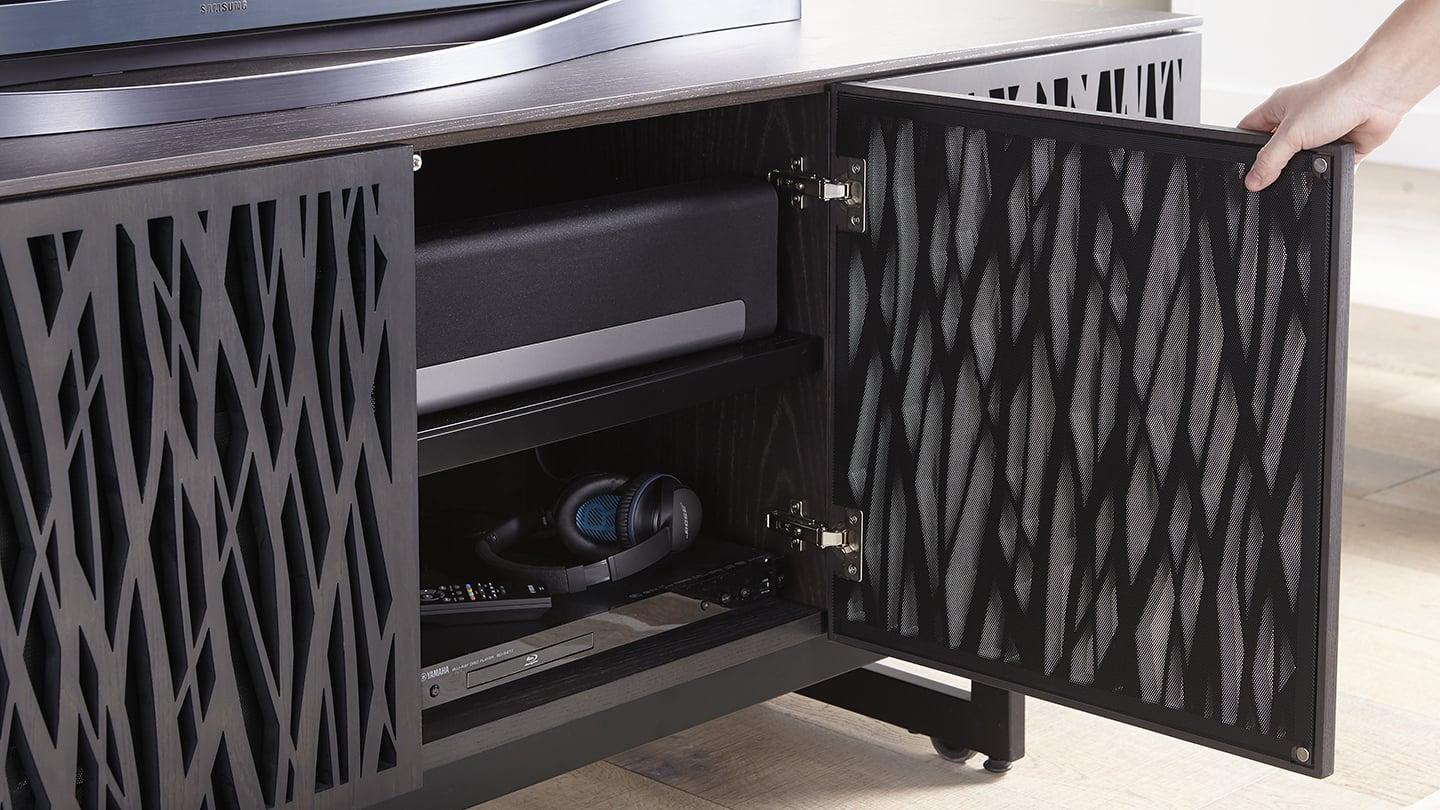
Home theater furniture is excellent for many things, such as keeping electronics stored, organized, concealed, and accessible. But one often overlooked (but essential) quality is finding media furniture that keeps your electronics cool, ventilated, and running efficiently. 

You see, when electronics overheat, all types of problems can arise. Internal chips can melt. Pixels on screens can darken or wear out. And in the most serious of cases, fires can spark. While normal wear and tear on your components will always be a reality, keeping your electronics cool can protect your furniture and extend the life of your components.

Here’s a guide to what you should do—and not do—when storing your electronics.
Key Takeaways: How to Keep Electronics Cool

Proper ventilation, spacing, cleaning, and equipment placement can help prevent overheating and extend the life of home-theater electronics.

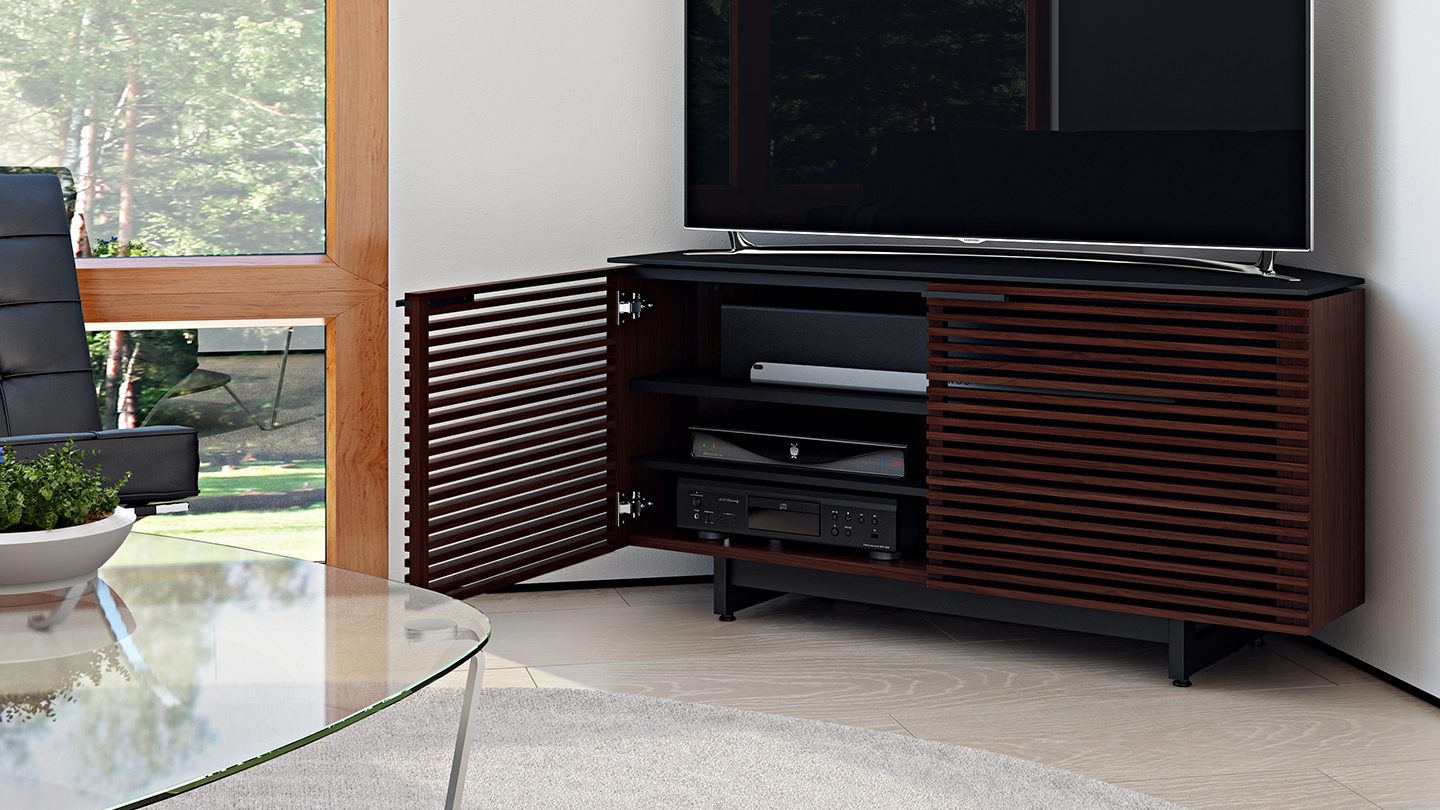
  1. Choose media furniture with built-in ventilation. Ventilated doors, shelves, bases, and rear panels allow cooler air to enter and rising heat to escape instead of recirculating around the equipment.
  2. Leave open space around every component. Allow approximately two to three inches of clearance around televisions, receivers, speakers, gaming consoles, and other electronics, keeping all equipment vents unobstructed.
  3. Avoid stacking heat-generating devices. Powerful components such as receivers, DVRs, and gaming consoles can produce significant heat and should be placed on separate shelves whenever possible.
  4. Turn electronics off when they are not in use. Powering down televisions, computers, consoles, and related equipment reduces heat buildup and gives internal components time to cool.
  5. Shut down equipment immediately if it begins to overheat. Disconnect the power source and allow the device to cool completely before attempting to restart or troubleshoot it.
  6. Keep vents, fans, and surrounding surfaces clean. Dust can restrict airflow and interfere with internal cooling systems, so regular dusting and careful use of compressed air can help equipment run more efficiently.
  7. Keep electronics away from direct sunlight and other heat sources. Position televisions, computers, and components away from sunny windows, heating vents, radiators, and other areas where surrounding temperatures may rise.

DO


Ventilate
.

Your components need some room to breathe. Perhaps the most effective way to keep your electronics cool is to select furniture with built-in ventilation. Give each component—be it a TV, speaker, AV receiver, or gaming console—about 2-3 inches each, and make sure all of the vents around each device are completely clear and that airflow is not obstructed.

If your equipment is stored in an enclosed area, hot air tends to cycle back through it, making it heat up even faster the longer it is running. Fans and cooling devices are great for areas where ventilation is not available.

Power Off. 

Some things need to stay on all the time—like your AC, for example. But your television, computer and other electronics do not. Turn these components off when you’re not using them, and it will help keep them and the furniture around them cooler.

If you notice any electronics overheating, shut it down immediately and disconnect its power source. Don’t restart it again until it is completely cool to the touch.

Keep Clean. 

Like everything else in your home and office, cleanliness is key. Dirt or dust can be detrimental to your electronics, often accumulating on the internal fans. This can cause your components to stop working correctly. A quick blast of compressed air and a good dusting can help keep your electronics cool—and clean.

DON’T


Stack.

While some of your components, such as a Blu-Ray player, put off minimal heat, your more powerful components, like an AV Receiver or gaming console, can generate a lot of heat. These electronics get hot enough on their own without the added heat that accompanies stacking.

Put in the Sun.

While this tip is kind of obvious, it’s also frequently ignored. But placing your computers, televisions and other devices in the path of direct sunlight is one of the most harmful things you can do to your electronics. Moving these components to a shadier area is a simple way to keep them cooler, and will protect them and keep them working much longer!

Use 24/7

Give your electronics a break. As the summer starts winding down, take advantage of the cooler evenings and sunny afternoons. Spend time playing games with your family, and BBQing with your neighbors. If you’re lucky enough to have a summer vacation, your electronics should be able to get one, too!

Watch the following video to learn more about the ways that BDI TV stands are designed to protect your home theater system, and keep your AV components cool.